
Choose a portal
This step is only for companies that chose Both. When both profiles are done, you see You’re all set!.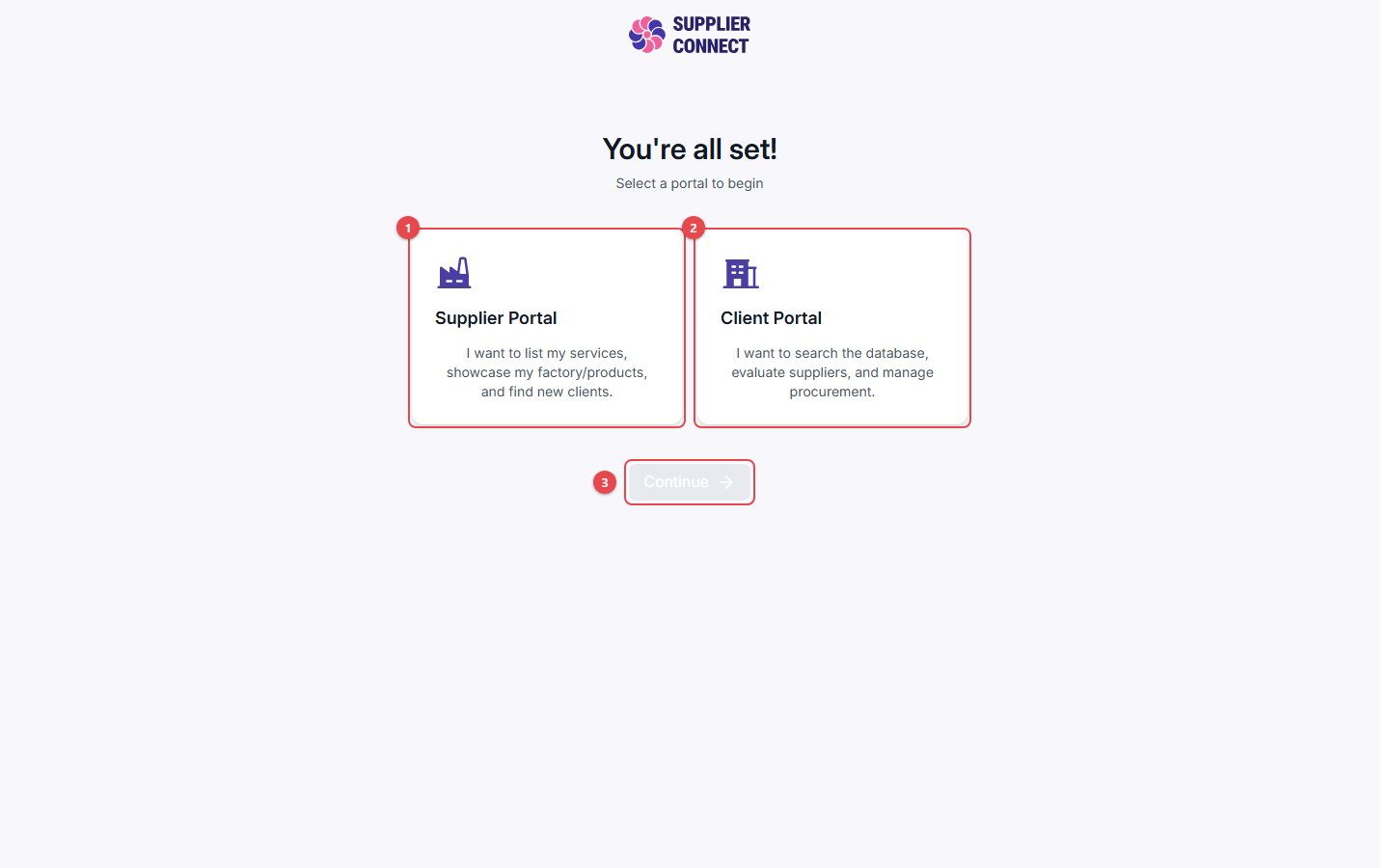
- Supplier Portal: start in Supplier mode.
- Client Portal: start in Client mode.
- Click Continue. You can switch modes at any time from the sidebar.
Switching modes later
- Add the other mode: if your company is Supplier-only or Client-only, click Create Client profile or Create Supplier profile in the navigation. This runs the setup for that mode. Your existing profile and connections are not affected.
- Switch modes: once you have both modes, use Switch to Supplier or Switch to Client in the navigation.